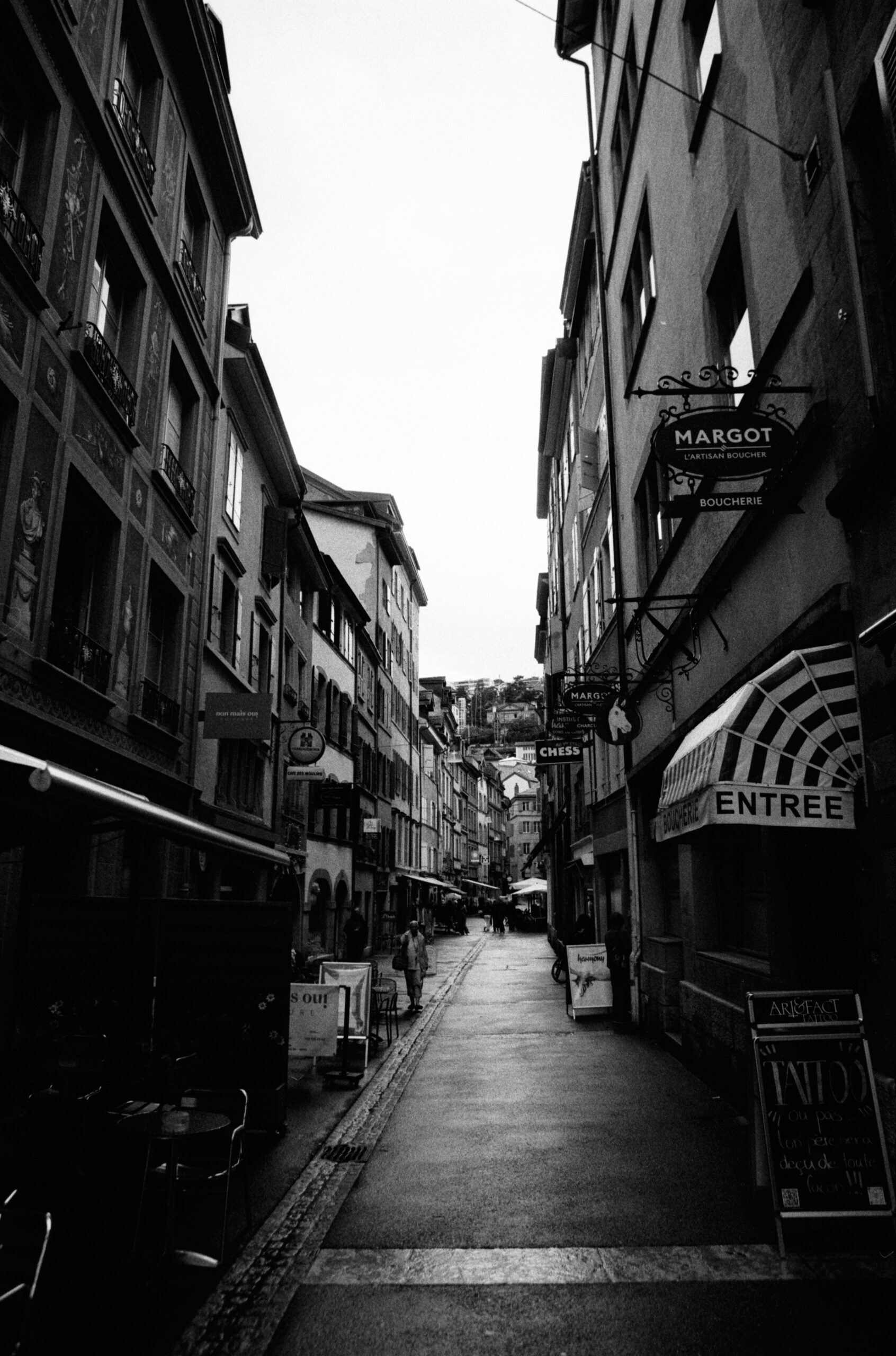
Scanning my 35mm negatives
I don't need to tell you that film photography is expensive. It costs a fortune to buy the rolls, it costs a fortune to develop them - especially if, like me, you rely on a professional lab - and it costs a fortune to digitize.
The lab I use charges between CHF 29.00 and CHF 32.00 per 35mm roll (even more for 120 format). This price includes both development and digitization.
Naturally, I quickly looked for ways to cut these costs. By digitizing my own 35mm negatives, I managed to reduce the lab fees by two-thirds.
After extensive research, analysis, and comparisons of the different digitization methods (flatbed, DSLR, and dedicated scanners), I made my choice and purchased a Plustek 8200i.
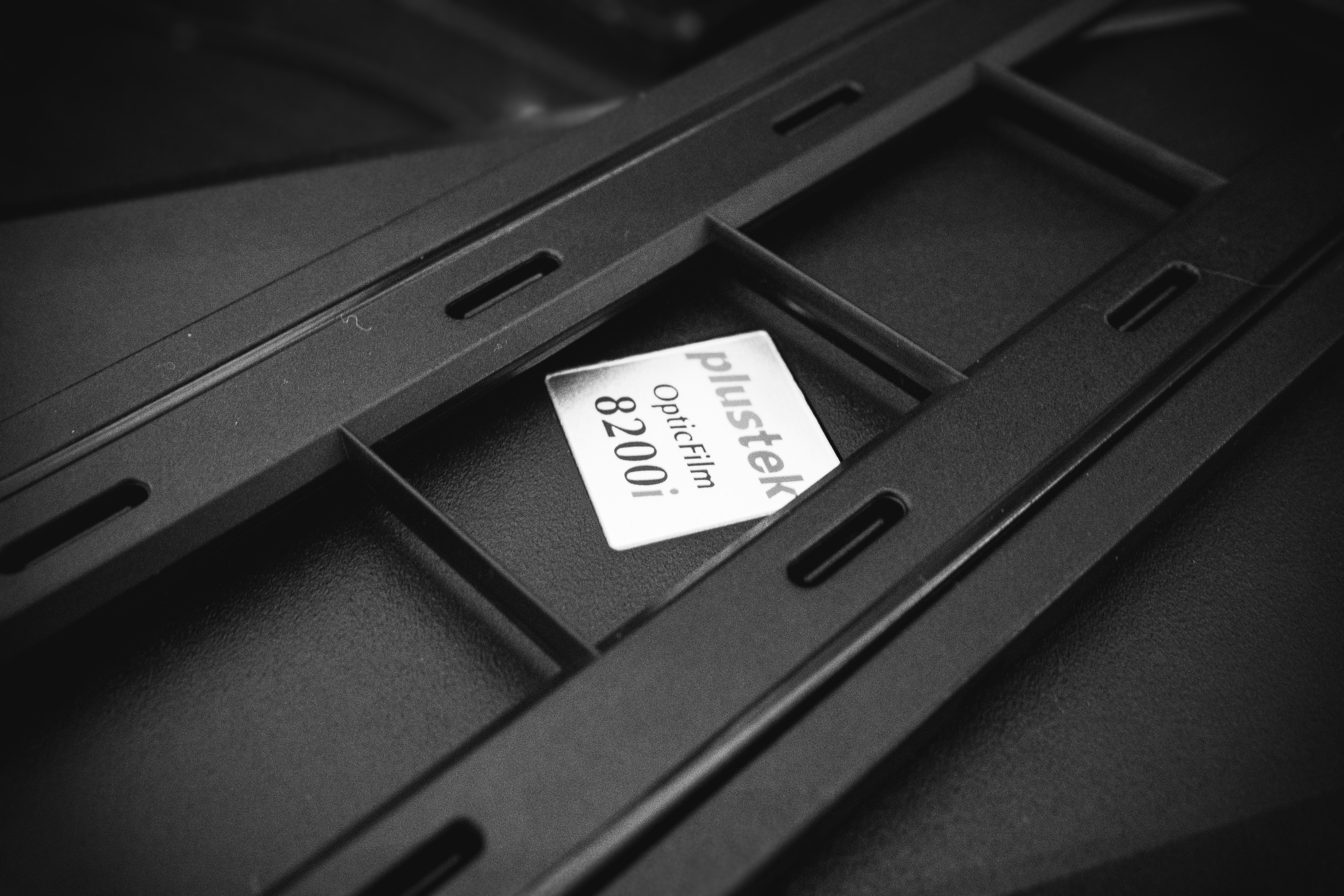
The Plustek OpticFilm 8200i is a dedicated 35mm film scanner designed to digitize negatives and slides with high precision. It offers high optical resolution and integrates infrared technology to automatically detect dust and scratches.
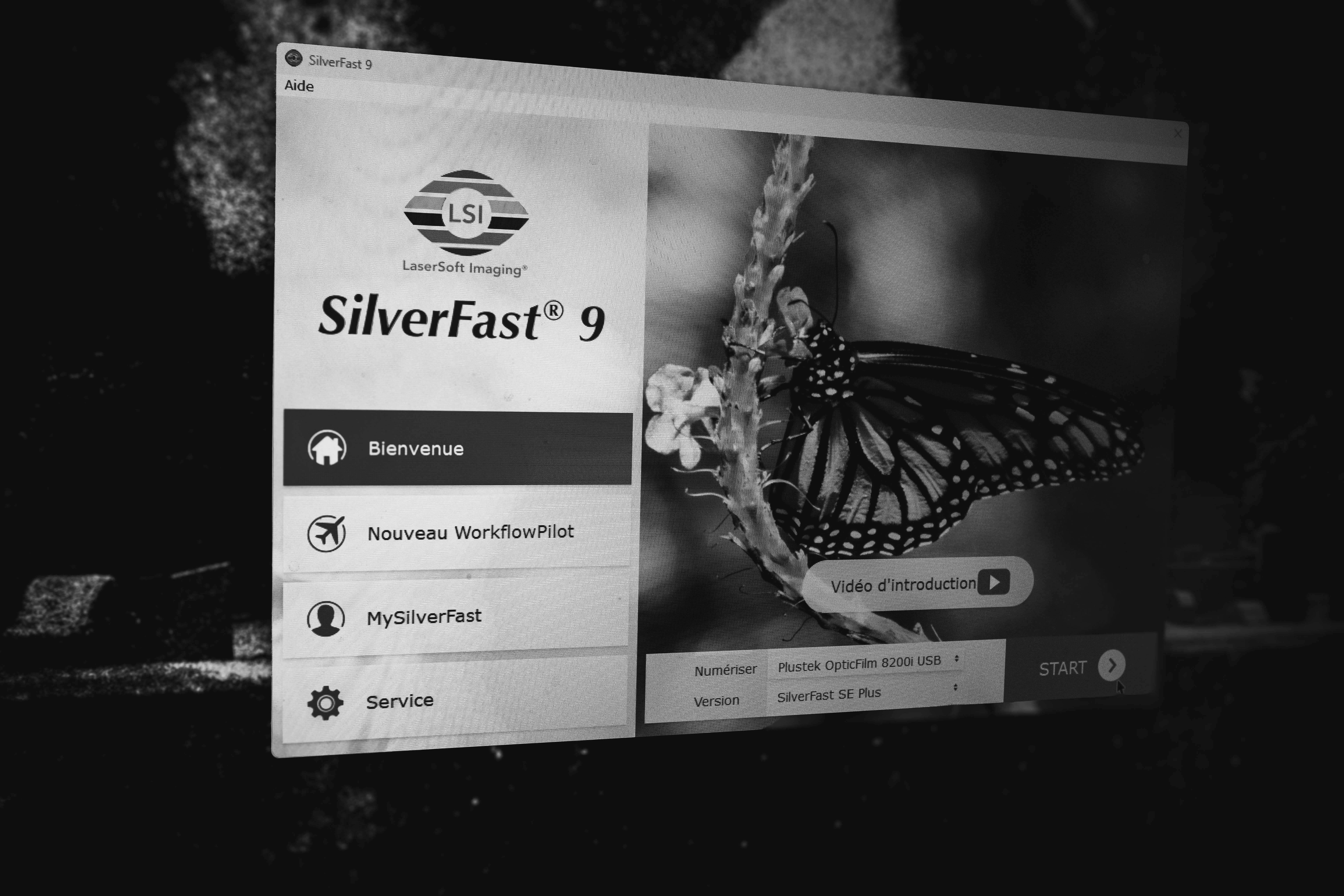
The scanner comes with SilverFast 9 software (yes, still on an installation CD in 2026). While the interface is undeniably ugly, it is functional. The package also includes a handy protective pouch, which is very useful for storing the scanner and cables when not in use.
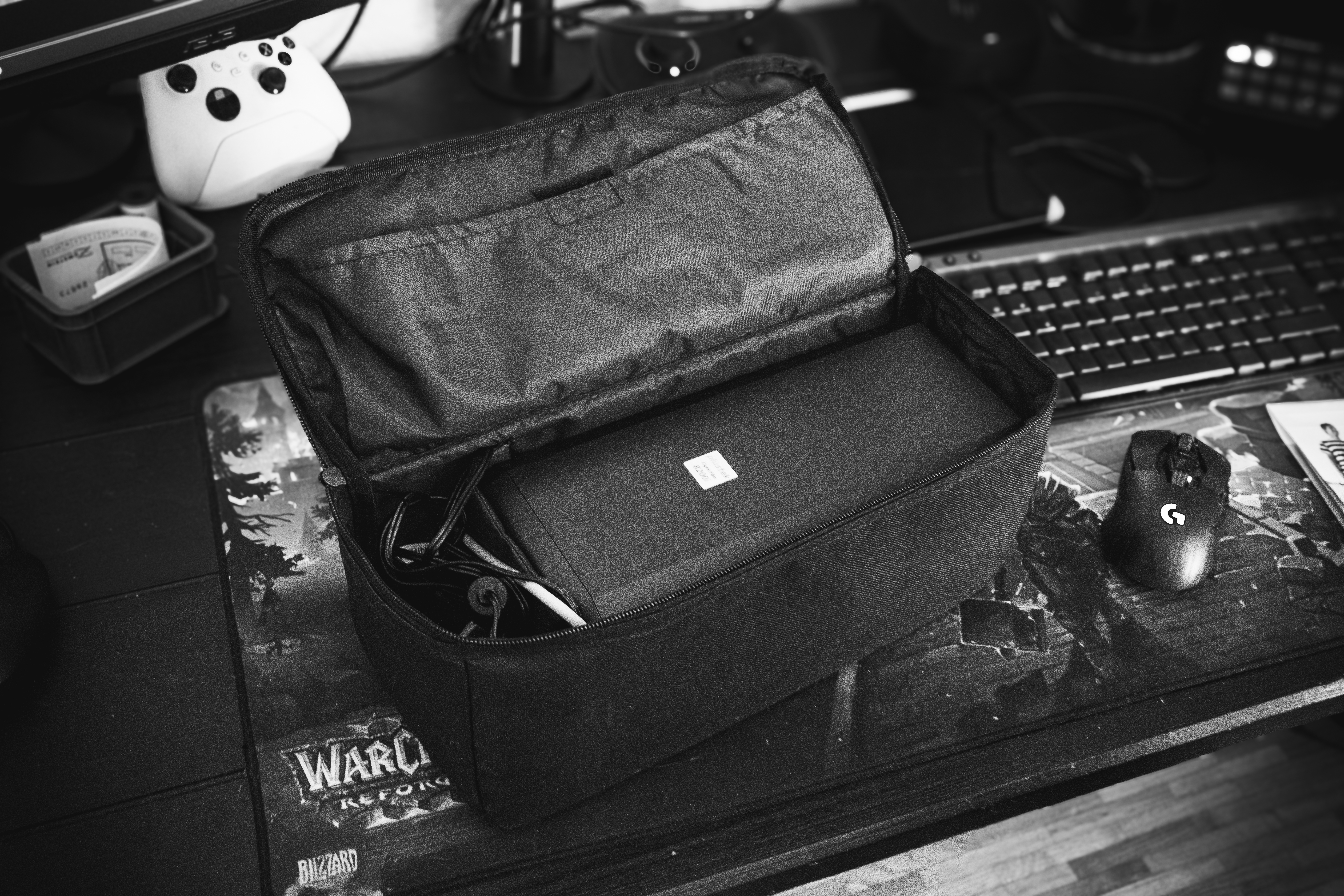
The scanner sets up easily with just a power cable and a USB-A cable. There are three buttons: a power button and two scan-related buttons. I haven’t quite figured out their specific use yet, as they seem directly linked to the software and aren’t particularly essential.
The software automatically detects the scanner model upon connection.
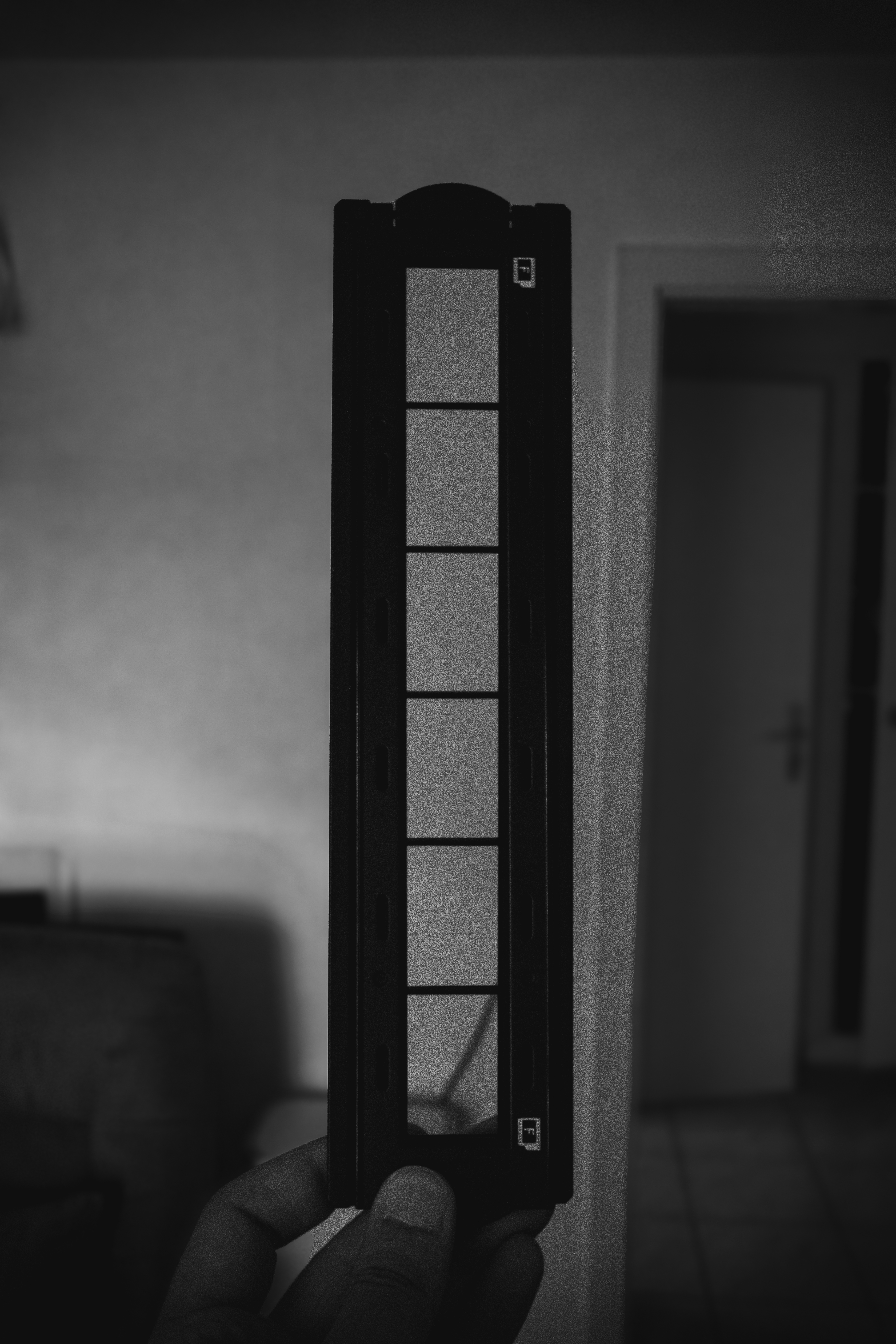
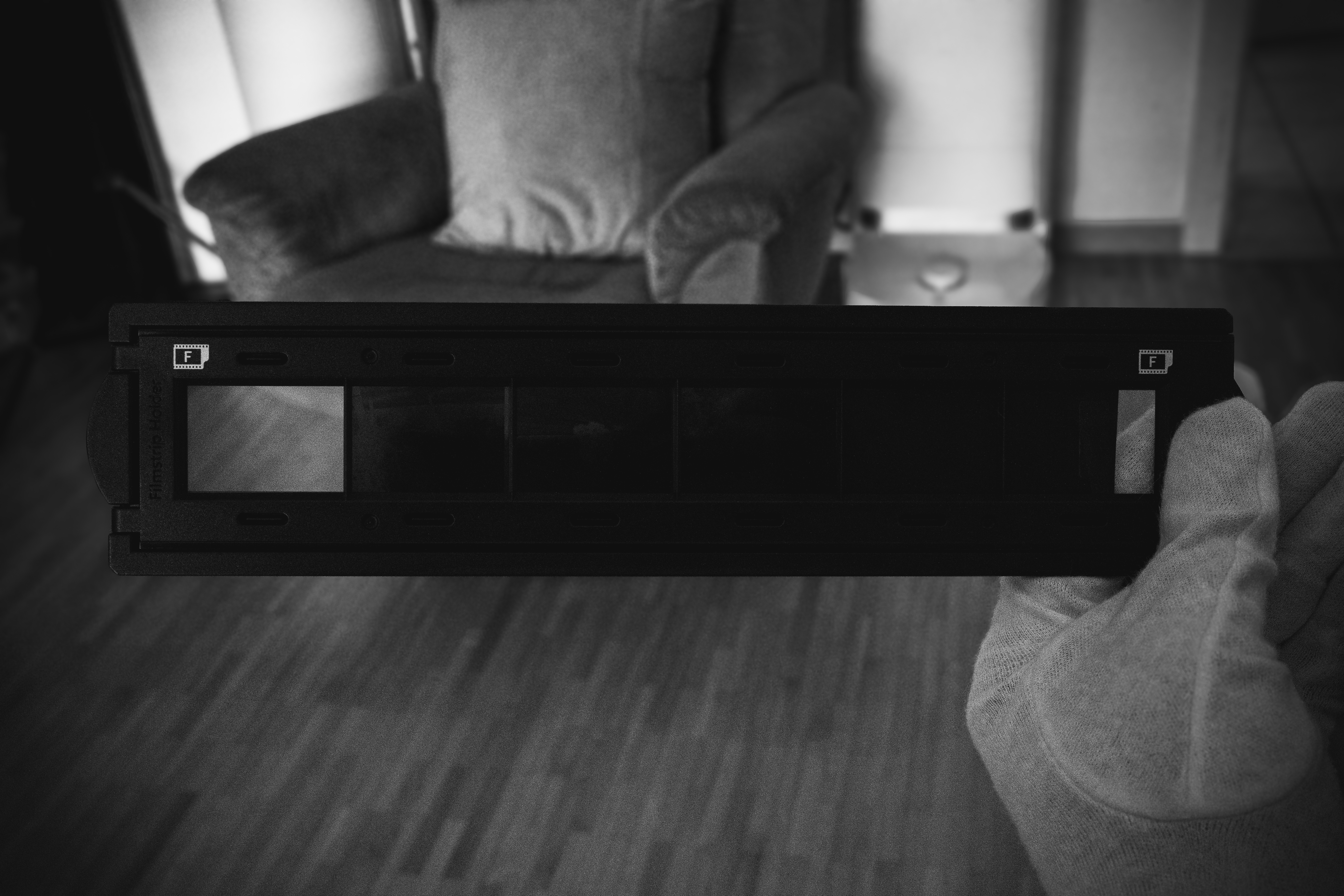
The package includes two holders for negatives and slides. I personally don’t use the slide holder and focus solely on the plastic negative holder. At first glance, it doesn’t look very sturdy, but after scanning more than a dozen rolls, I can confidently say: it is extremely solid.
The only difficulty lies in positioning the film correctly within the holder if the strip is slightly curved.
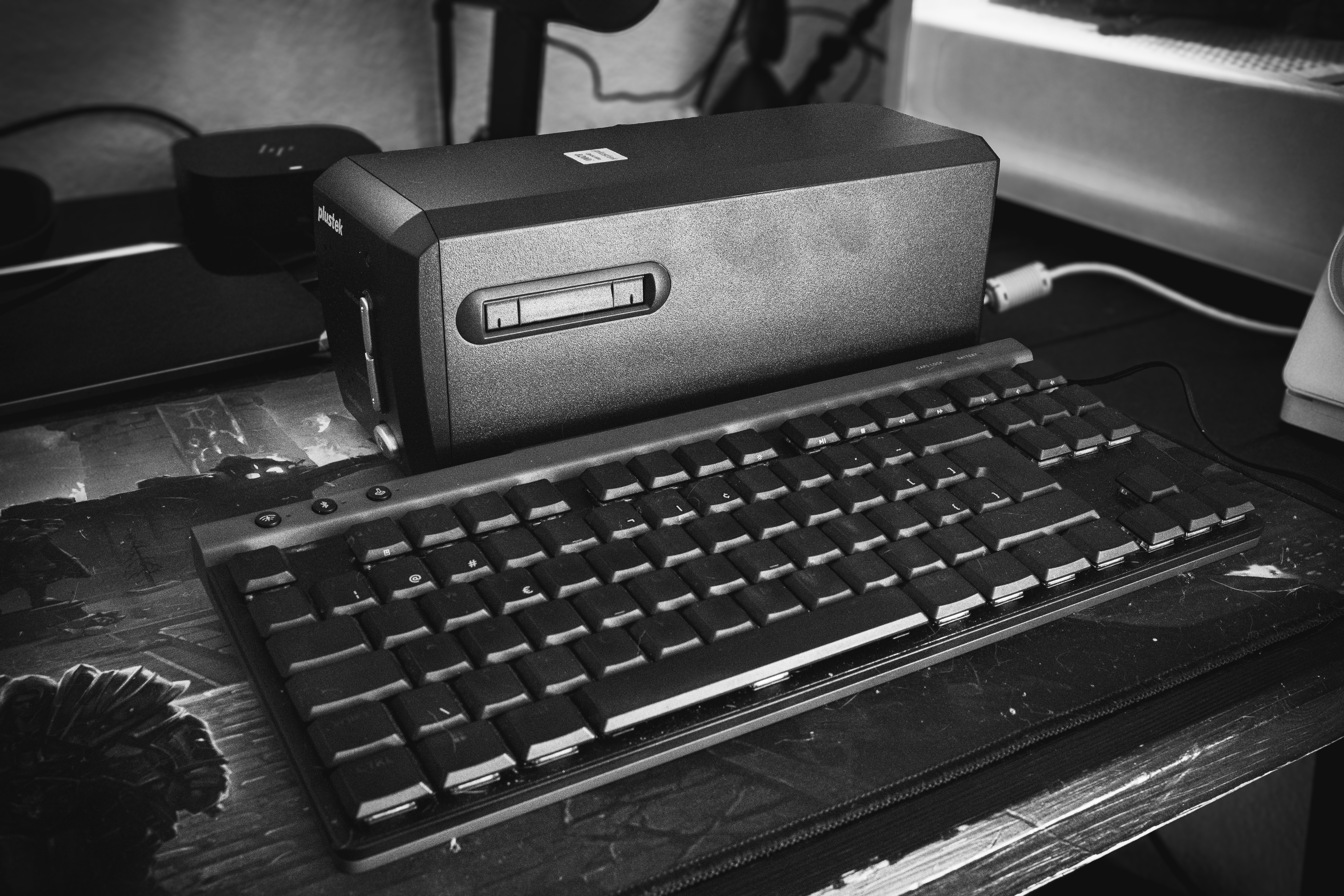
One of the Plustek’s key selling points is its size: it’s slightly smaller than my keyboard.
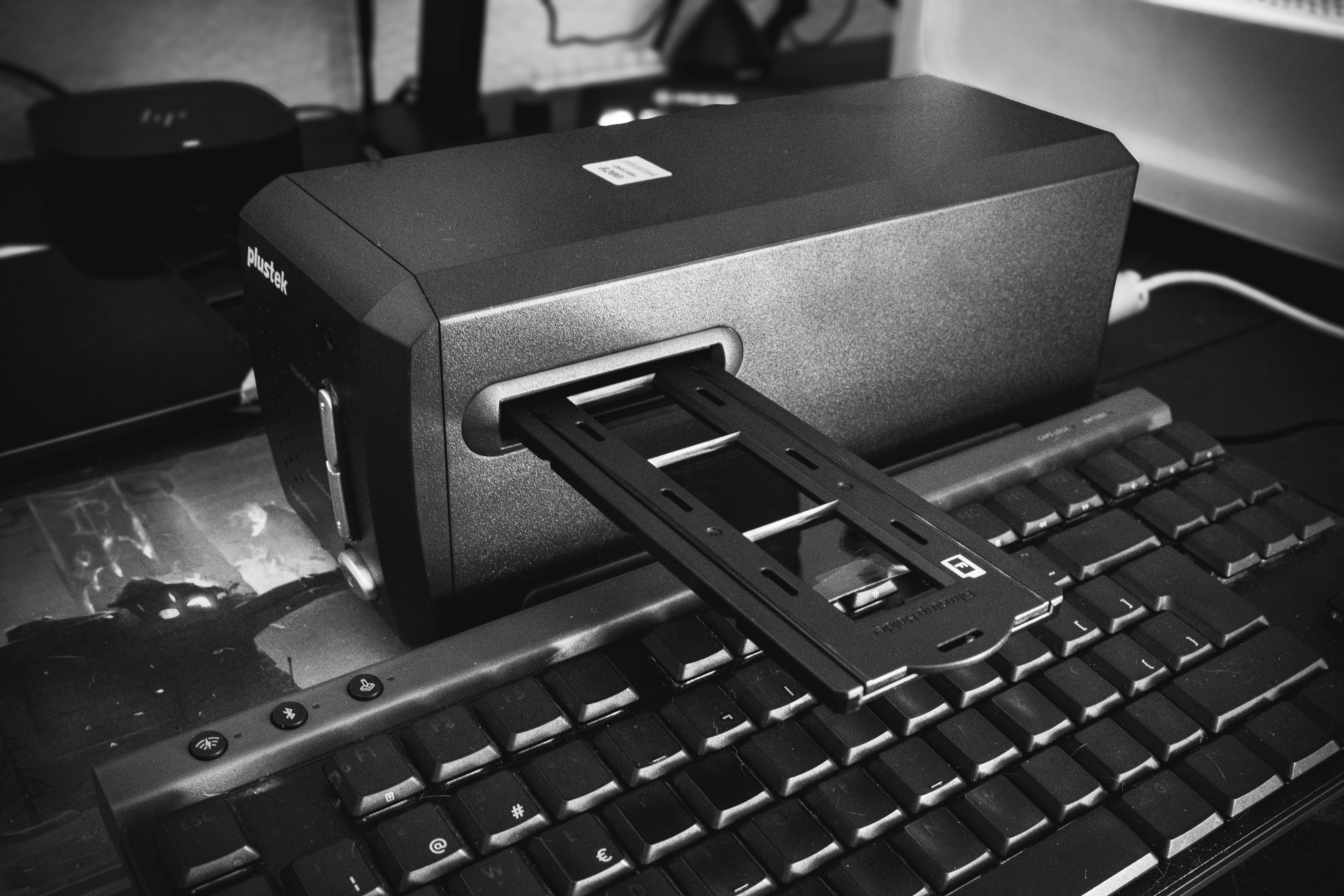
Once inserted into the scanner, you simply need to select the film type in the software. It then applies sufficient correction for web use and automatically converts the negatives into positives.
Scanning is rather slow; expect to spend a good half-hour digitizing a single 36-exposure 135 roll. I usually put on a video or some music to make the wait a bit more pleasant. The results is really good for social medias.